

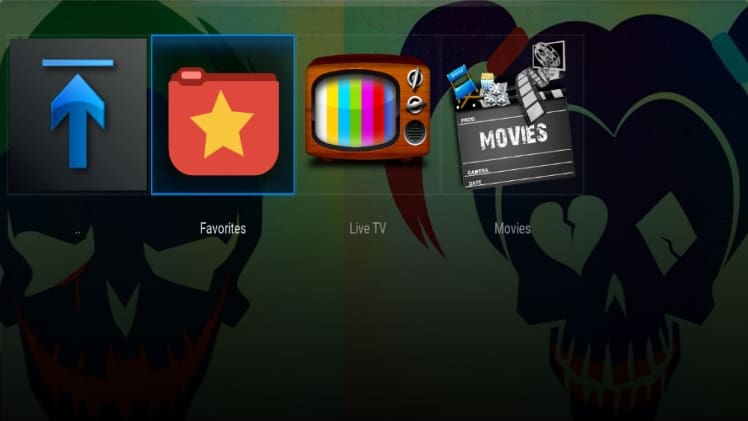
Nighthawk TV Addon is the latest Addon that allows you to watch Movies, Live USA TV channels and Sports channels in HD quality. This Addon doesn’t have the big list of Live TV channels but has the nice collection of channels that are working flawlessly on Kodi. Nighthawk TV Addon doesn’t require F4M Tester but it is always good to have F4M Tester installed on Kodi in case any links gets added with F4M tester.
If you plan on streaming content via any of the Kodi addons we recommend using a VPN. A VPN will anonymize your online activity, protect you from spying ISPs, and allow you access to geo-blocked add-ons and content.
We personally use IPVanish VPN and highly recommend it. You can sign up for IPVanish VPN here or if you want to know more about why to use a VPN with Kodi click here
Follow the below instructions to install Nighthawk TV Addon on Kodi:
01.Start your box as normal and then go into Kodi
02.Once you will be inside Kodi then select System from the main screen of Kodi and then click on File Manager
03.Click on Add Source
04.Click on None(Text box) and Keyboard will popup on the screen
05.Type in the web address http://nighthawktv.netne.net/ and click on Done
06.After that click on Text Box underneath “Enter a name for this media Source”, type nighthawk and click on OK
07.After that you need to return back to the main screen of Kodi by pressing the return button(Back arrow)
08.Click on System
09.Click on Addons
10.Click on Install from zip file
11.Click on nighthawk
12.Click on Zips
13.Click on Plugin.Video.NighthawkTV
14.Wait for Addon enabled notification at the bottom right corner of the screen
15.Nighthawk TV Addon is now installed. The Addon can be accessed by going to VIDEOS from main screen of Kodi then Addons and there you can find Nighthawk TV Addon
